Several conversations in view
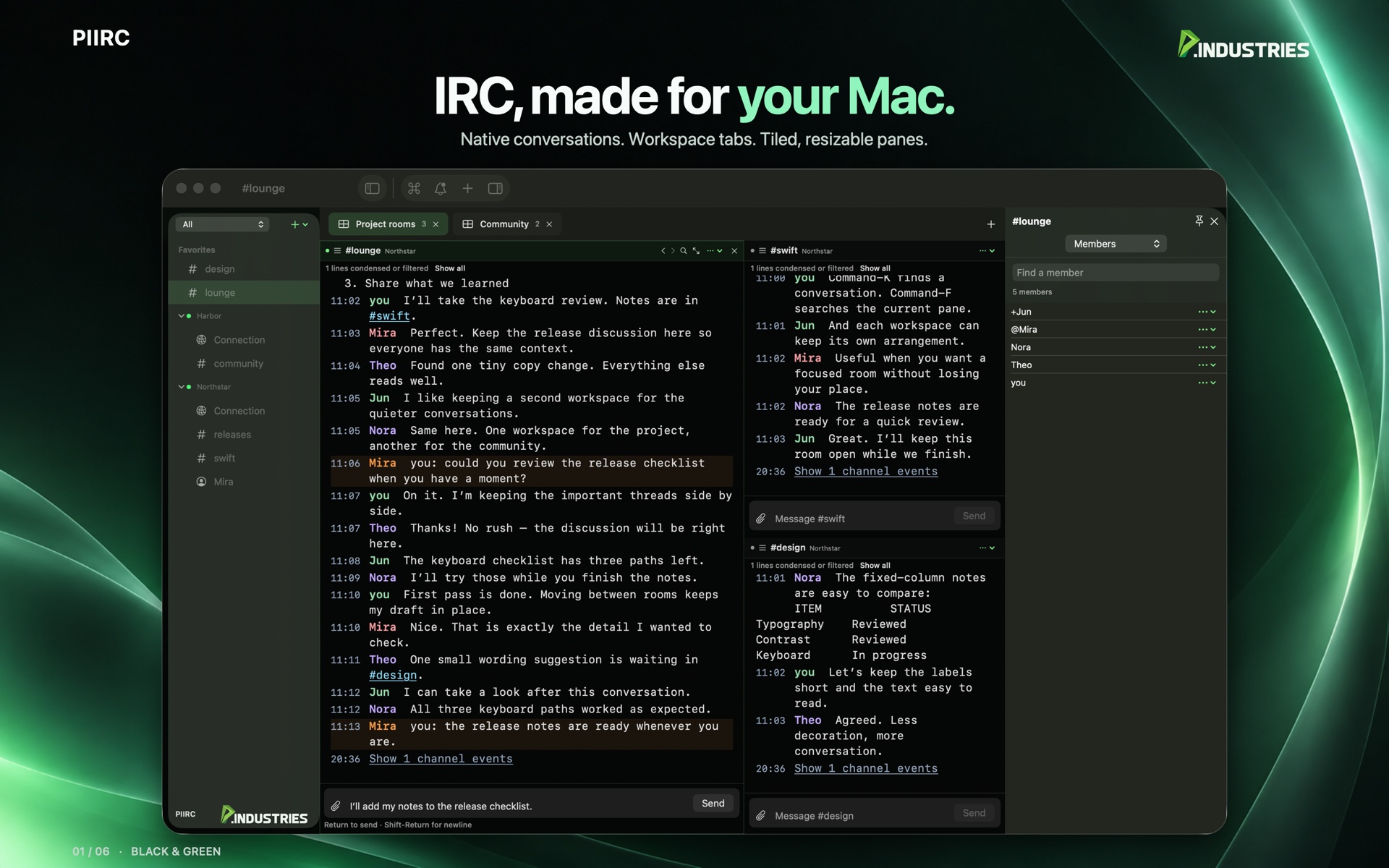
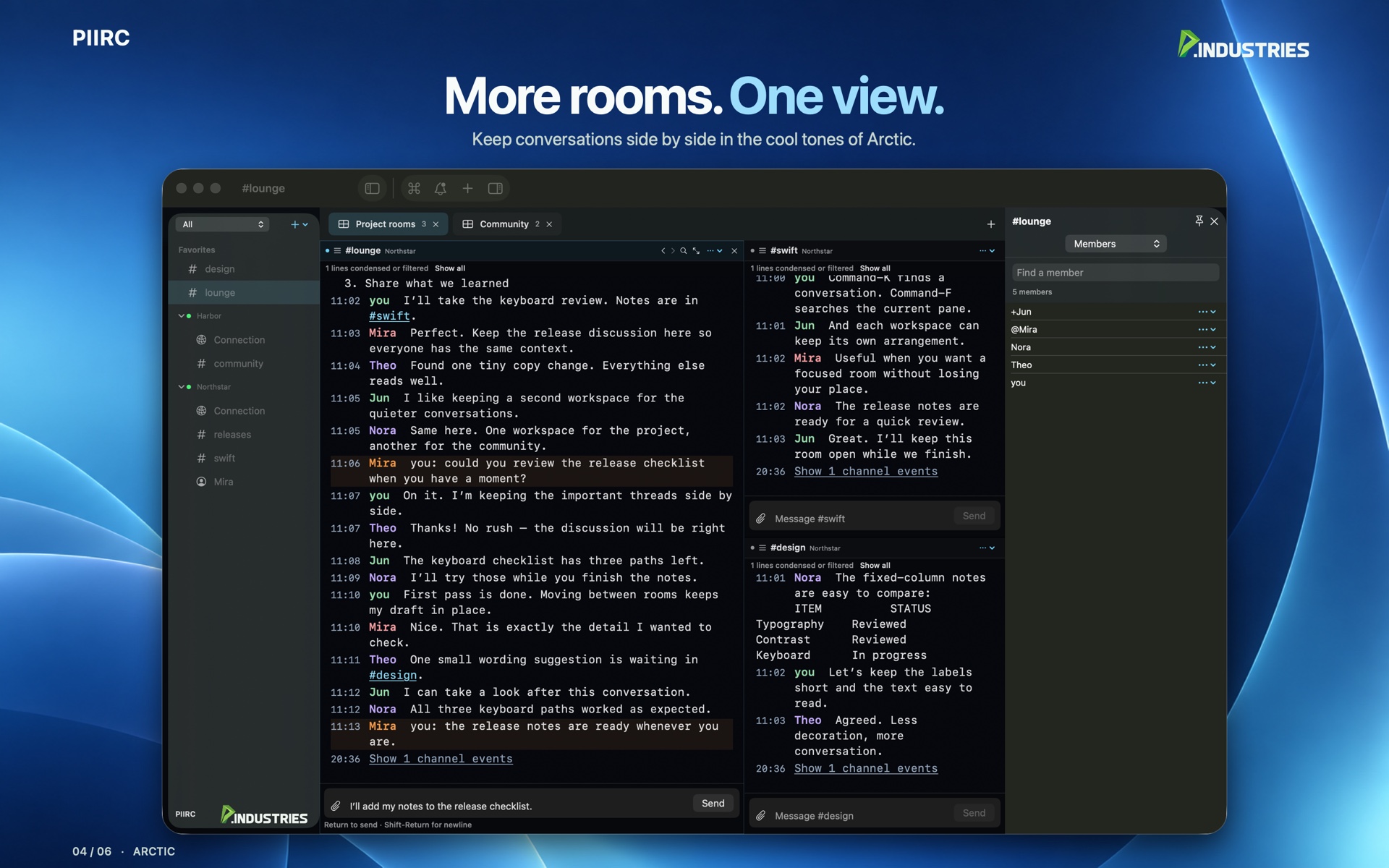
Workspace tabs hold multiple chat panes. Drag the dividers, zoom one conversation, or open another Mac window. Connections are shared. Each pane keeps its own draft and reading position.

PIIRC is a Mac app for everyday IRC. Connect to the networks you already use, then keep several conversations open in resizable panes and workspace tabs.
Download on the Mac App StoreSix views of PIIRC, from tiled conversations to your favorite theme. Select a screenshot to see it at full size.
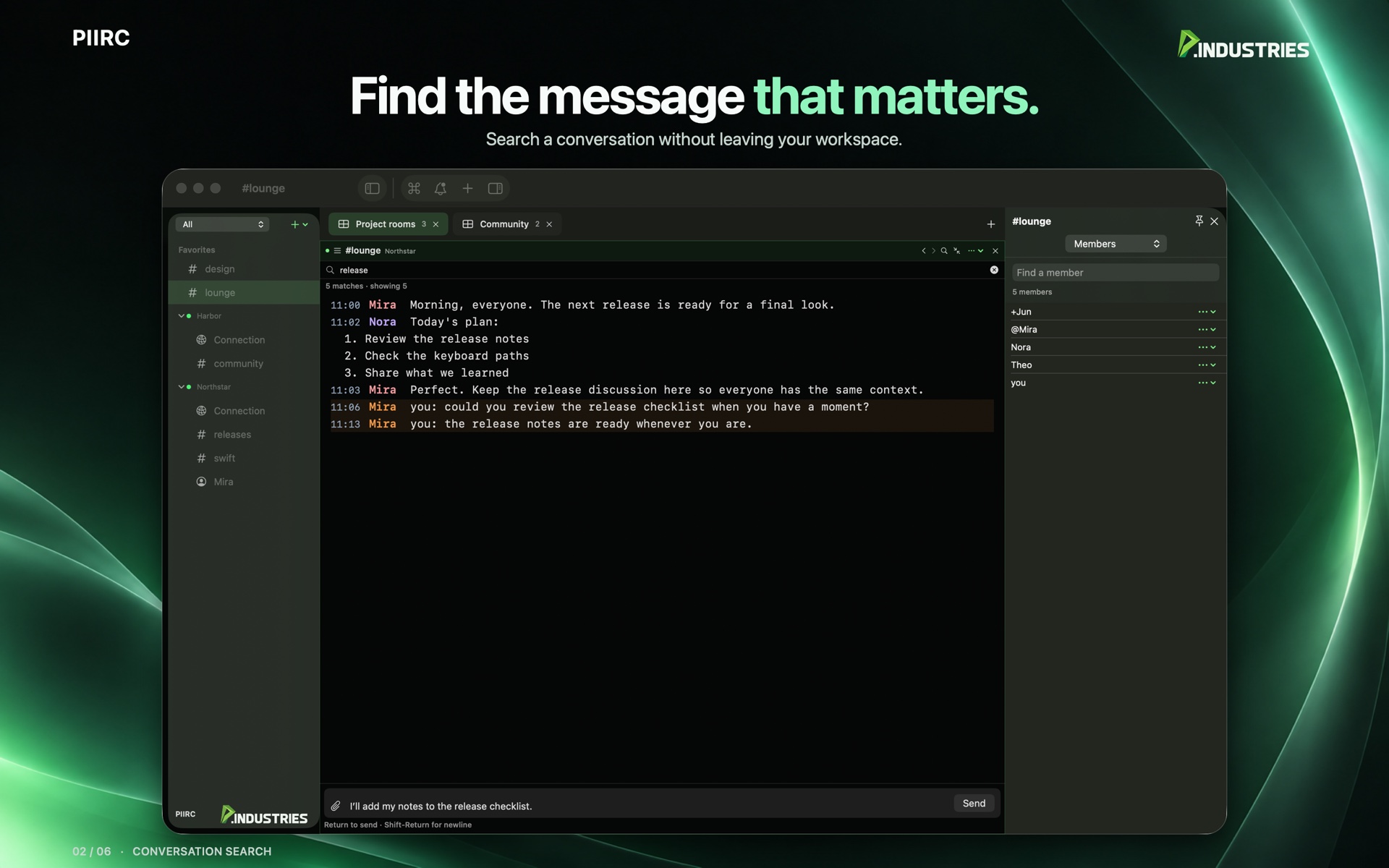
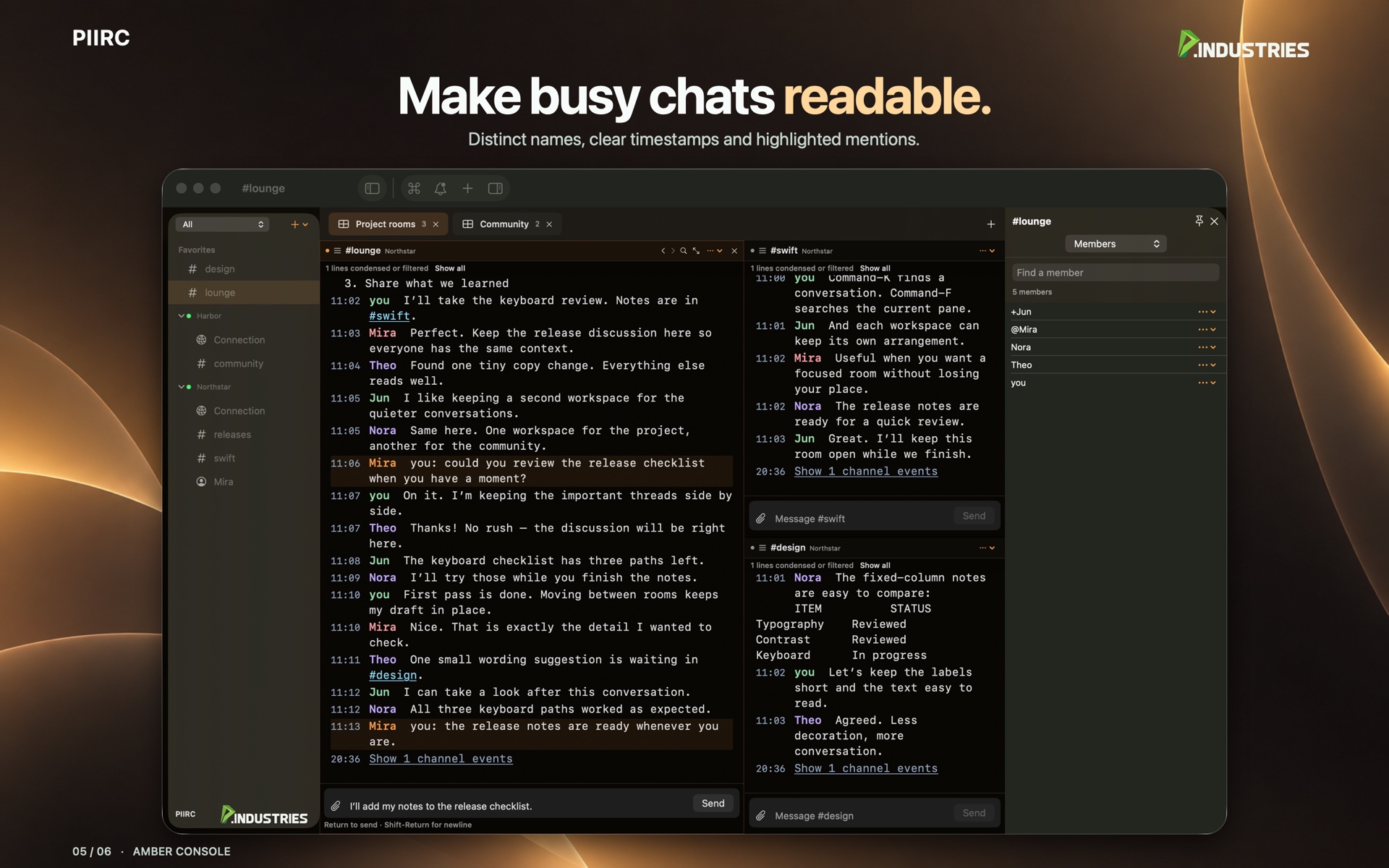
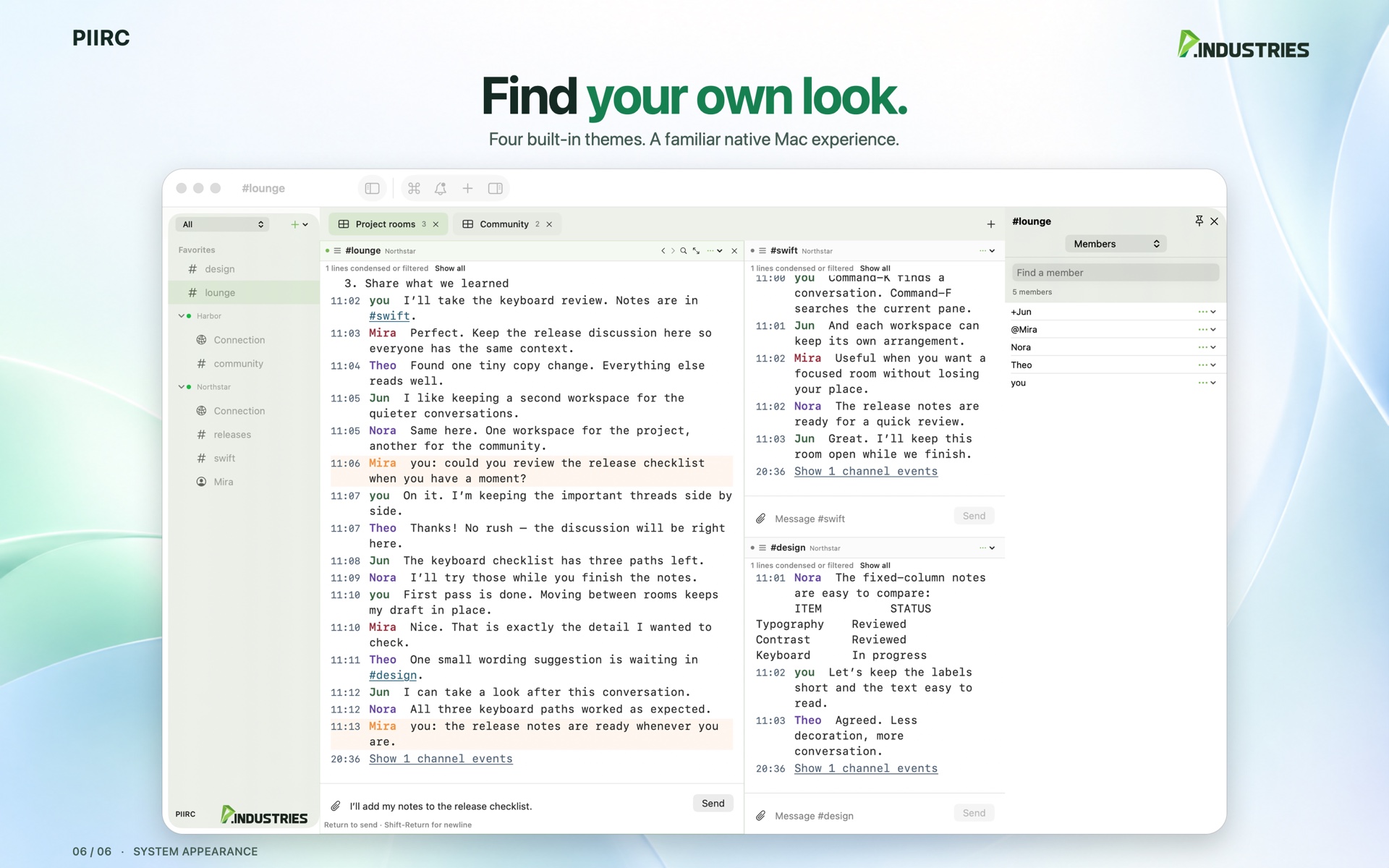
Short, silent previews of workspace navigation and appearance controls.
Workspace tabs hold multiple chat panes. Drag the dividers, zoom one conversation, or open another Mac window. Connections are shared. Each pane keeps its own draft and reading position.
Command-K switches conversations. Command-J joins a channel or opens a direct message. Nickname completion, favorites, and Back and Forward stay with the pane you are reading.
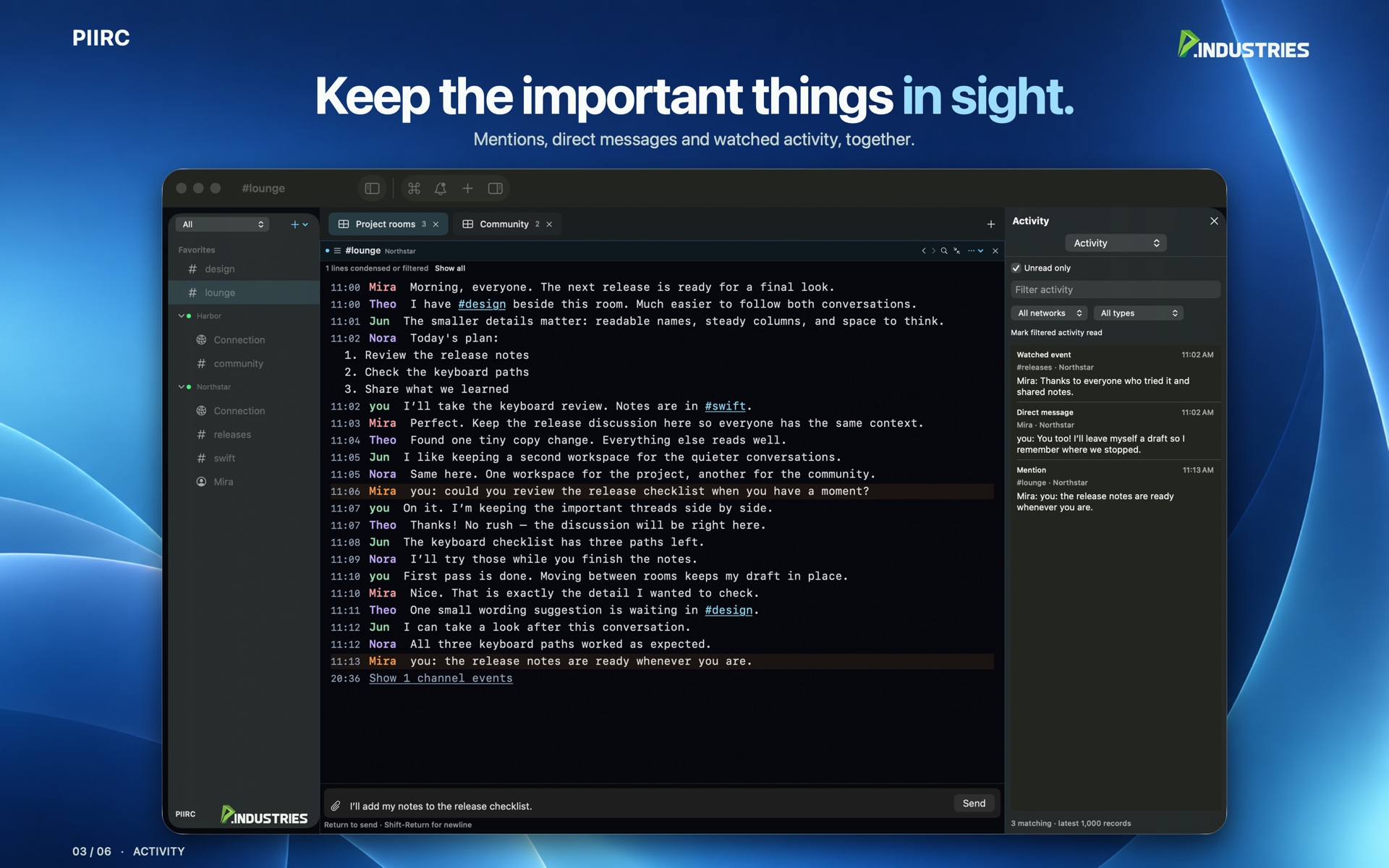
Black & Green, Amber Console, Arctic, or the system appearance. Adjust text size, spacing, and wrapping. Activity collects mentions, direct messages, and watched channels.
Add your own IRC server, or an existing bouncer account. TLS is on by default. Passwords stay in the macOS Keychain. Server history and multiline messages turn on only when that server offers them.
Local history and unsent drafts are optional, and both start off. There is no advertising and nothing is uploaded for diagnostics unless you choose to copy a summary yourself.
IRC is not end-to-end encrypted. TLS protects the connection to the server you configure. Channel members still receive the messages you send.
Free. Requires macOS 14 or later, and an IRC server or bouncer you can already reach. This Mac app does not include calling, and it does not add a hosted P.Industries chat service.
PIIRC support · Privacy policy
Questions: [email protected]